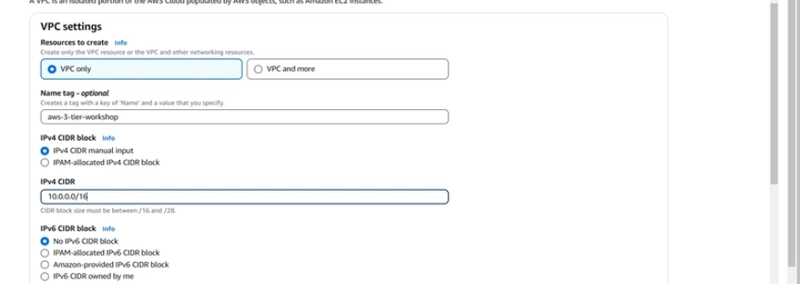
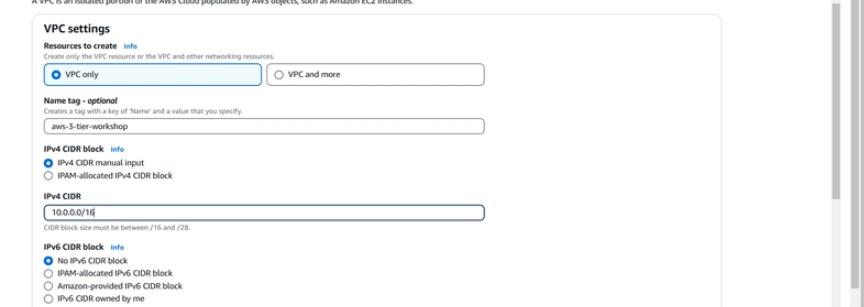
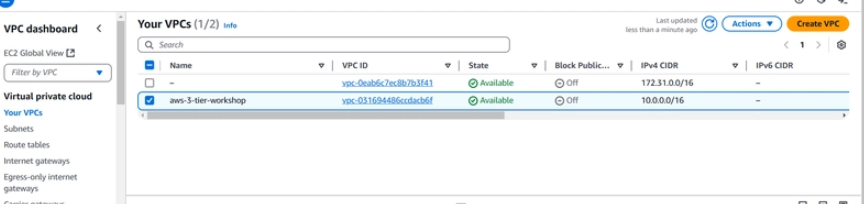
First create a Vpc and give 10.0.0.0/16 in ipv4 and create the Vpc
Next create 4 private subnet and 2 public subnet for the aws-3-tier-workshop and create tag if needed as shown below
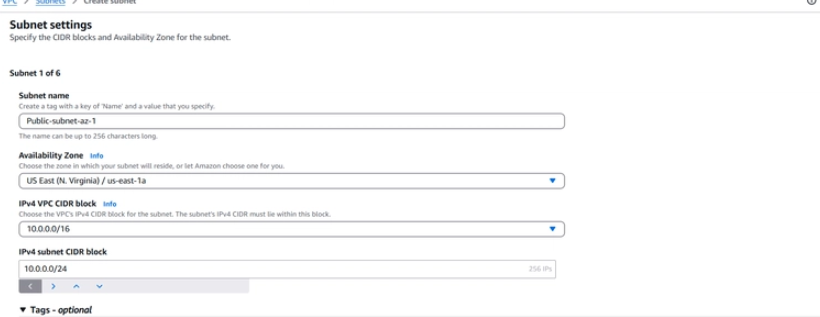
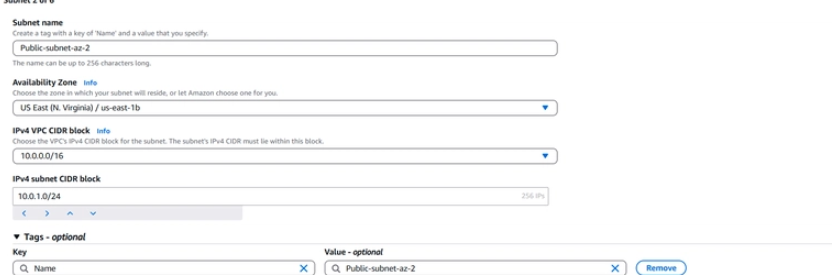
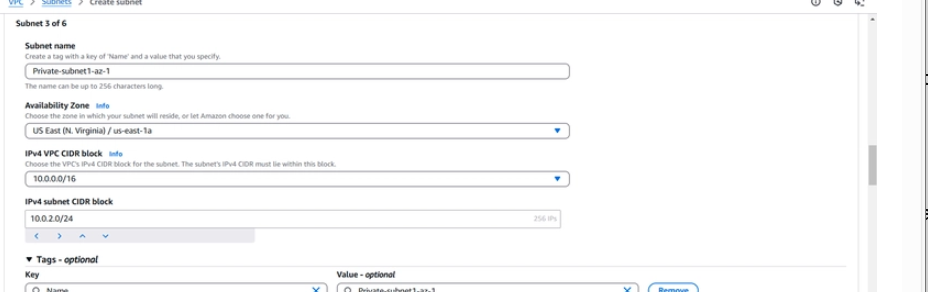
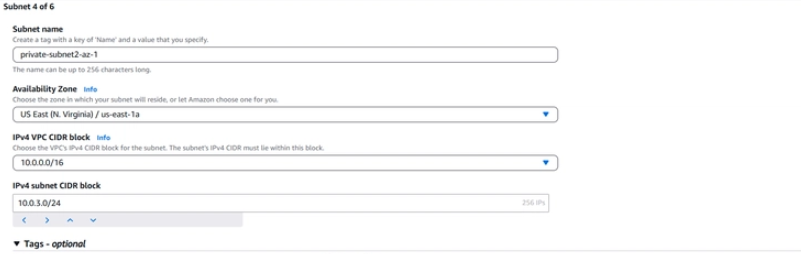
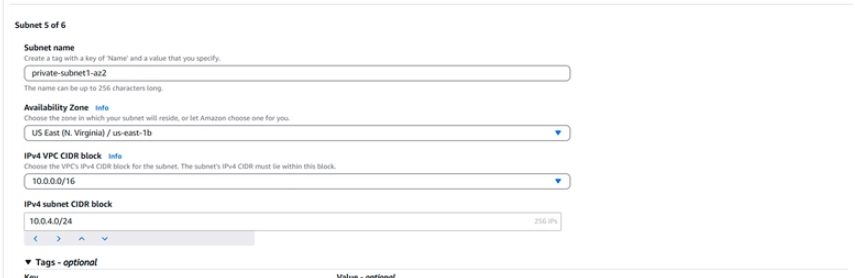
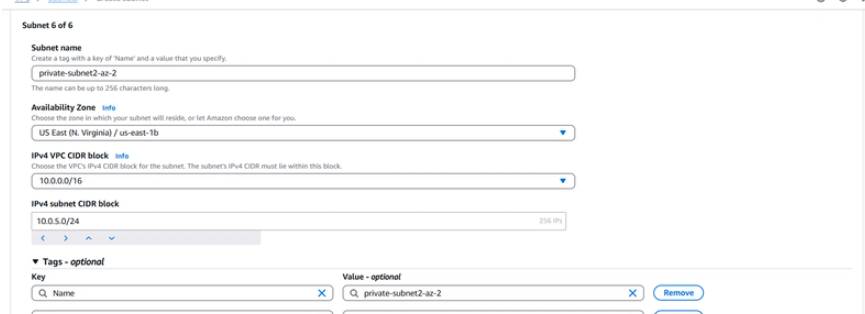
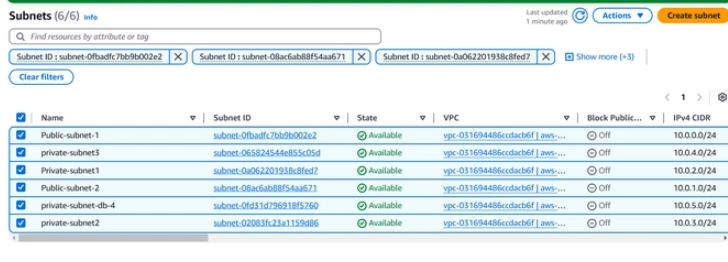
Now we have completed creating all 6 subnets
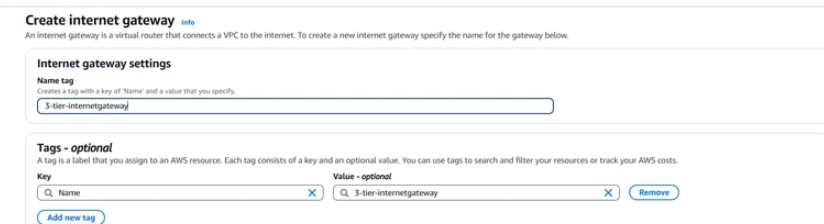
Next we have to create internet gateway as shown below
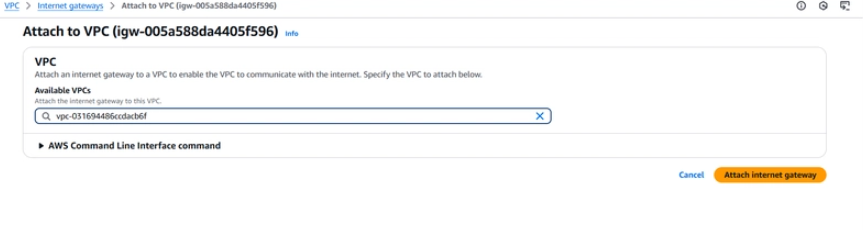
Next we are going to attach the Internet gateway to the vpv as shown below:
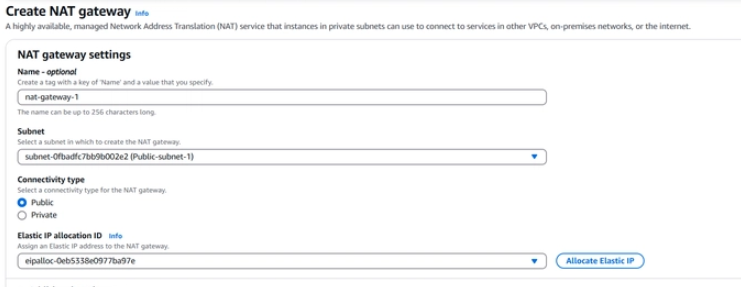
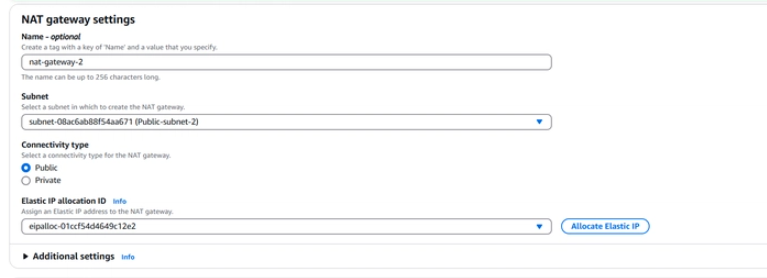
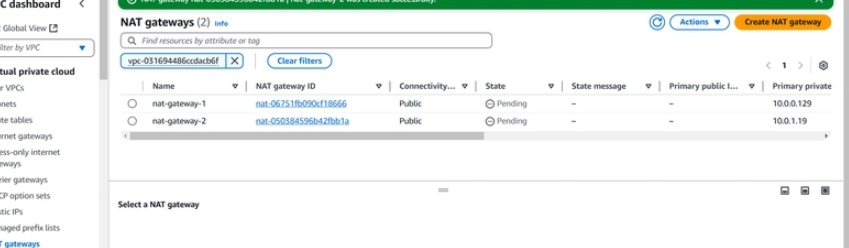
Lets now create a NAT gateway for both public subnets
Next we have to create route table
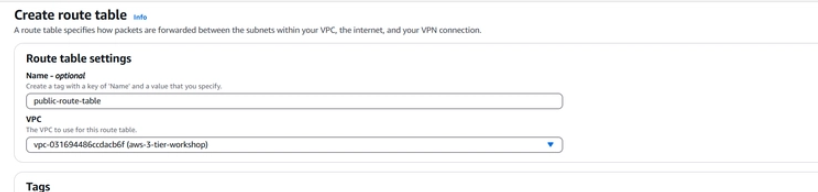
Next we have to edit the route table by adding the internet gateway and save it as below
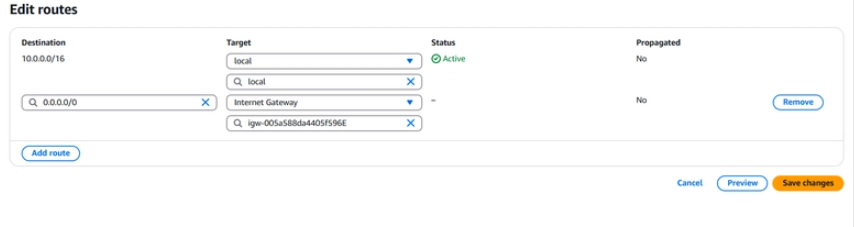
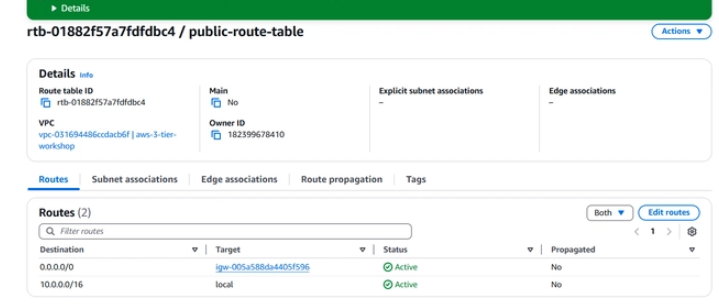
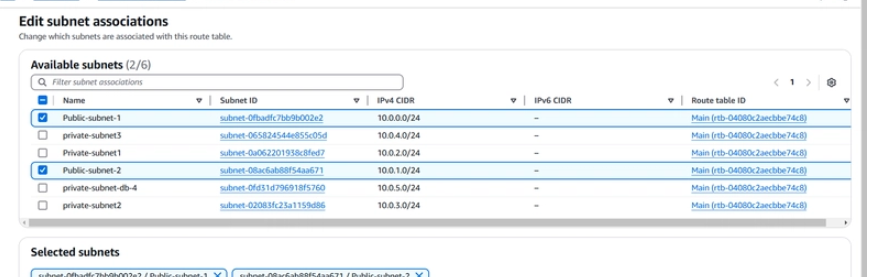
Now on subnet assoociation and add the 2 public subnet and save it:
Next we have to create 2 route table for 2 nat gateways
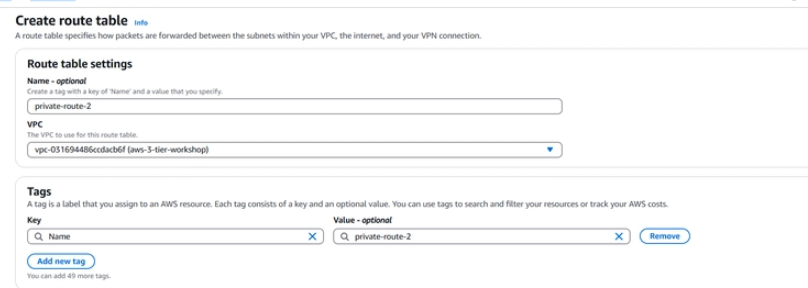
Now edit the route table and add the both nat gateway 1 and 2 for both the route table
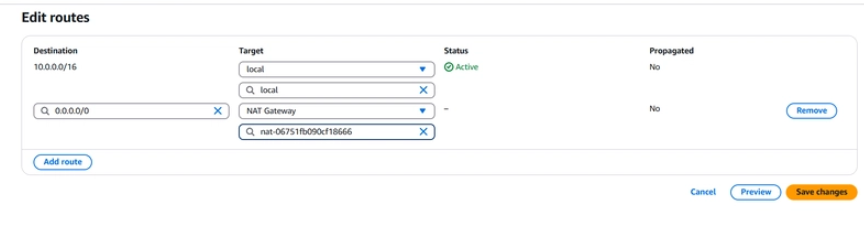
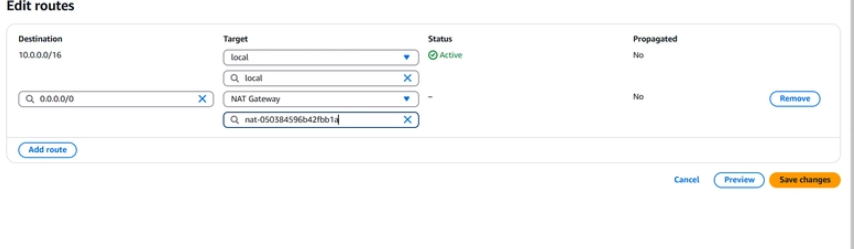
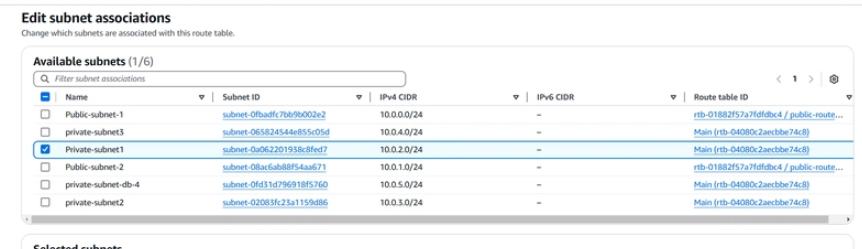
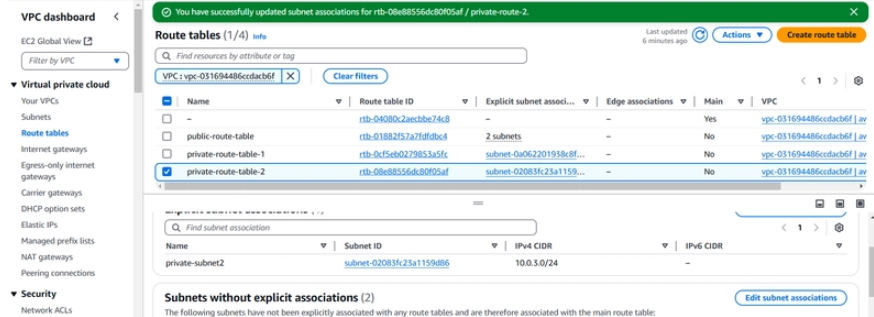
Next in subnet association connect the first private subnet to first route table and the 2nd private subnet to the second route table
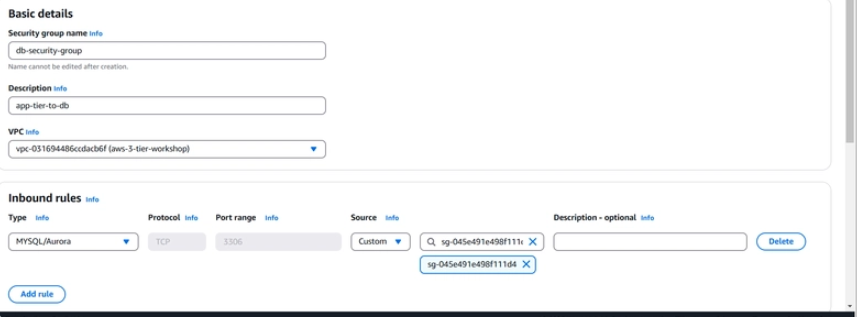
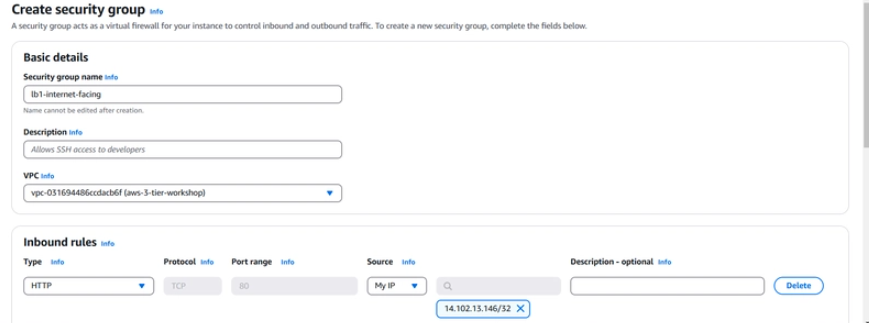
next we have to create 5 Security groups,first lets create security group for internet facing lb ,edit onlt the outbound rules
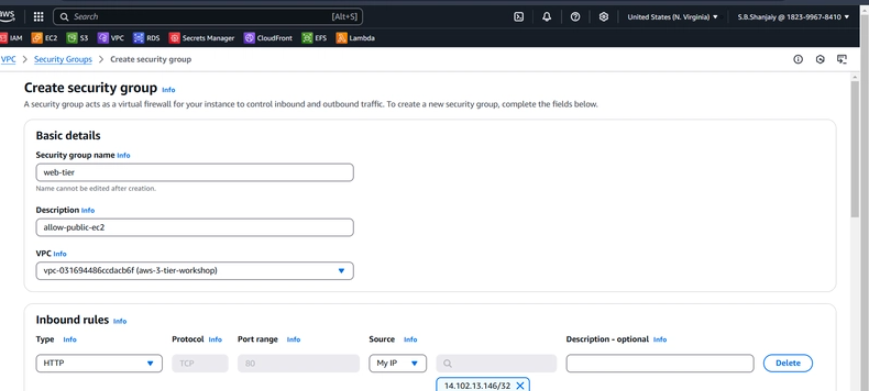
next lets create security group for web tier , edit only the inbound rules
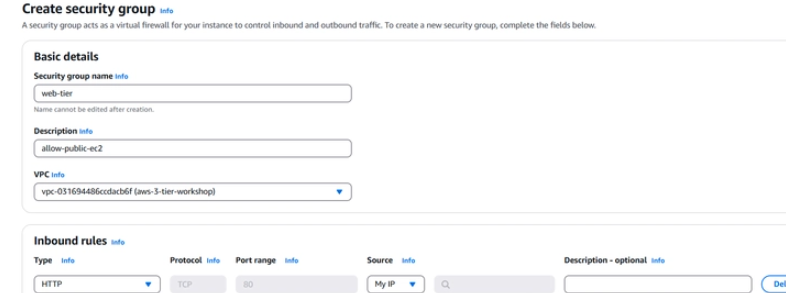
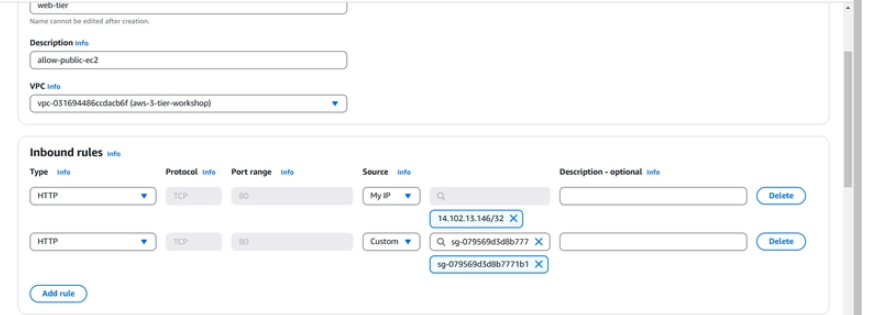
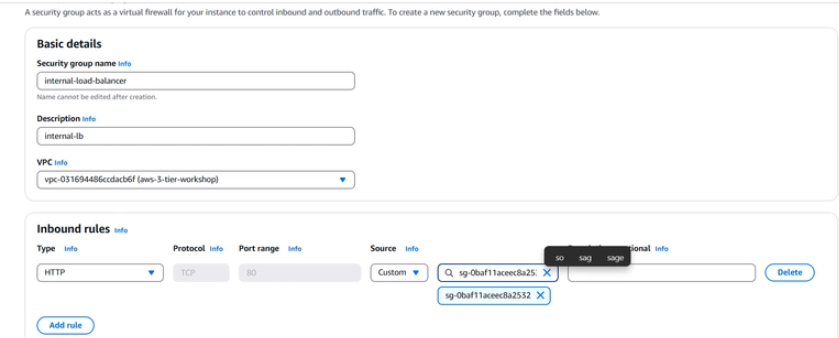
Next create security group for internal load balancer and in inbound rules connect the security group of web tier
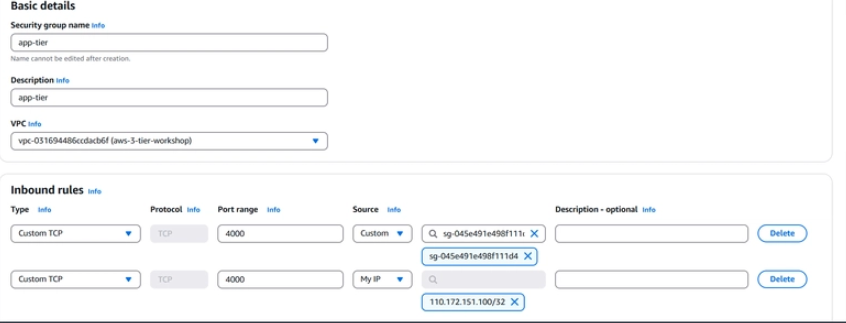
Next we have to create 4th security group for the app-tier we have to connect the security group of internal load balancer and in custom tcp we have to give port 4000
Next lets create the 5th security group connect to the db and the internal load balancer