Git Workflow
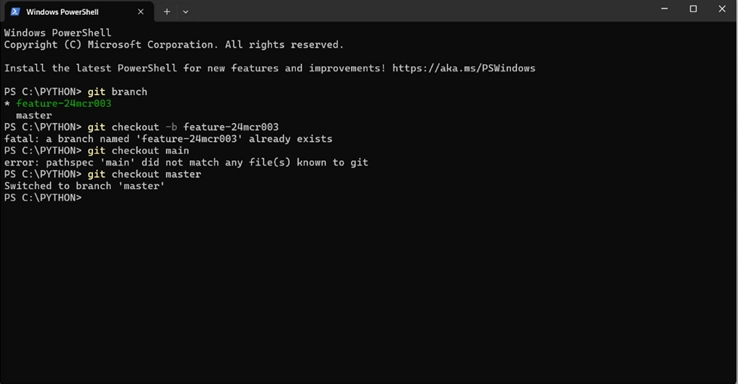
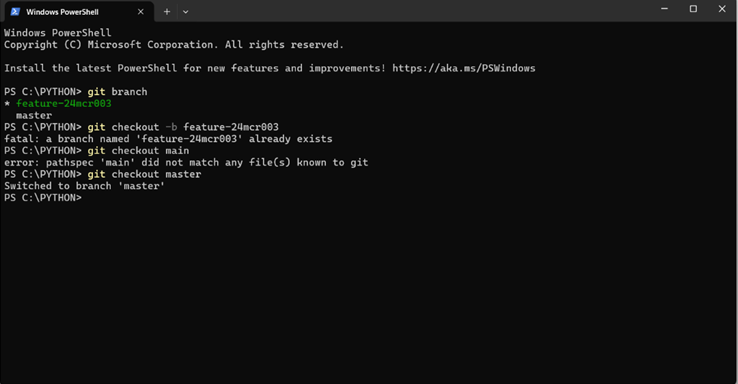
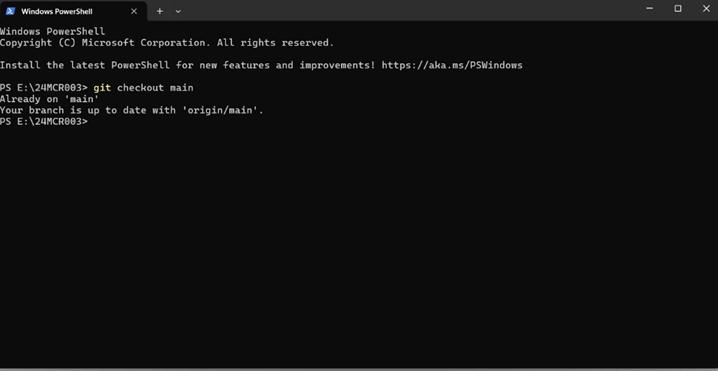
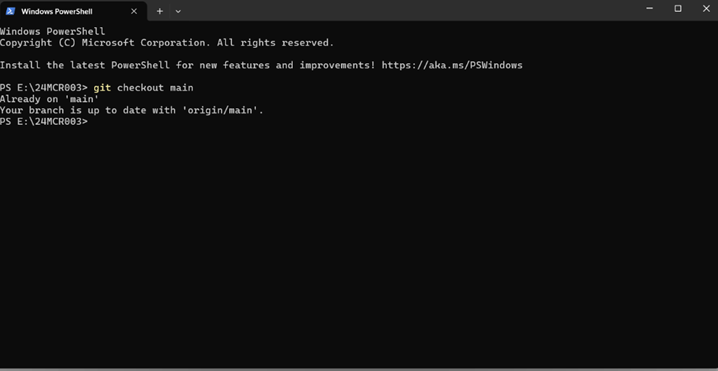
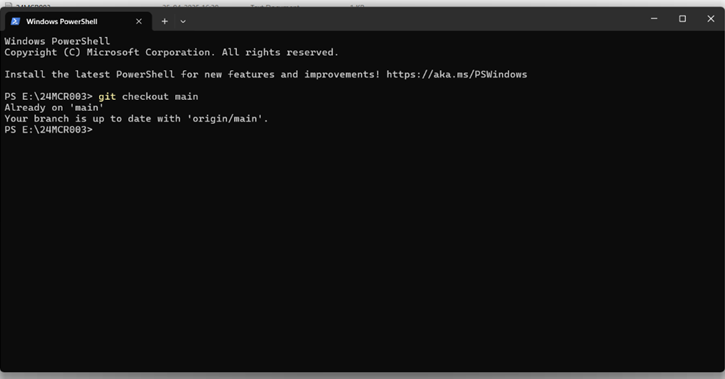
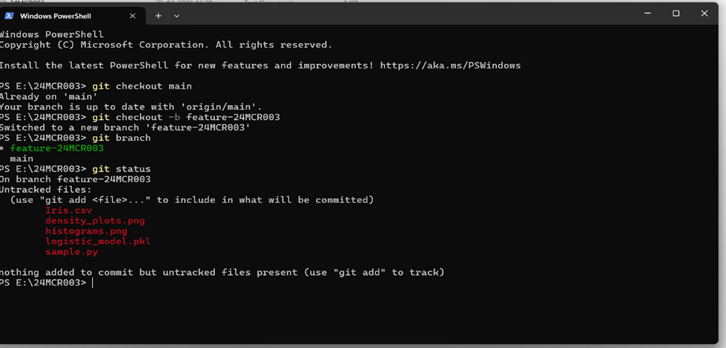
1.Checkout to main branch.Command:git checkout main
Switch to the main branch to start fresh
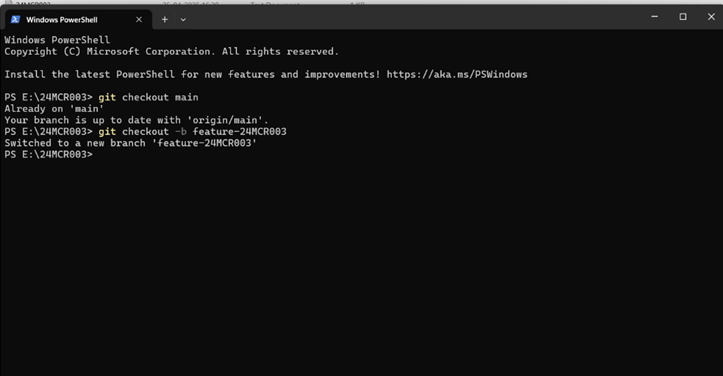
2.Create a new feature branch. Command: git checkout -b feature-24mcr003
Create and move to a new branch for your work
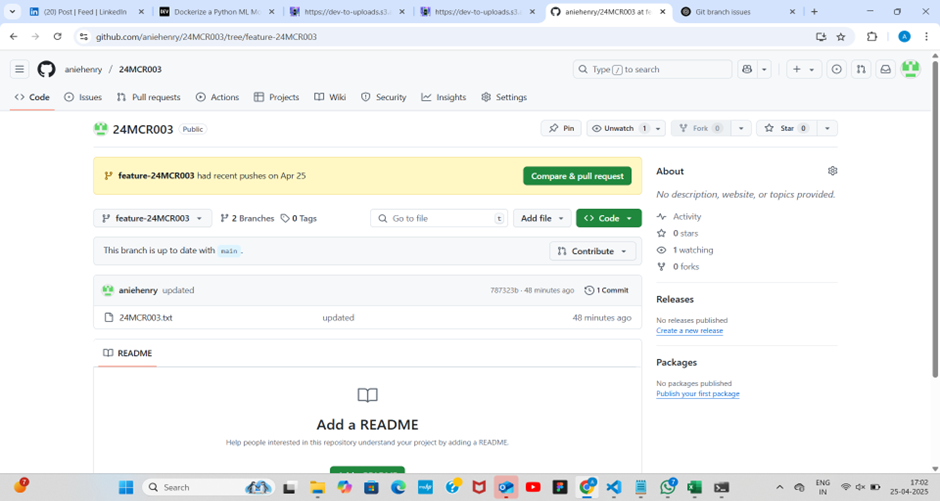
3.(Optional) Create a branch through GitHub UI. Go to the->Open your repo ->Click on Branch Dropdown->Type a new branch name->Create branch
Useful if you prefer using GitHub's website
4.Check all available branches. Command: git branch
List all branches in your local repo and see which branch you are on
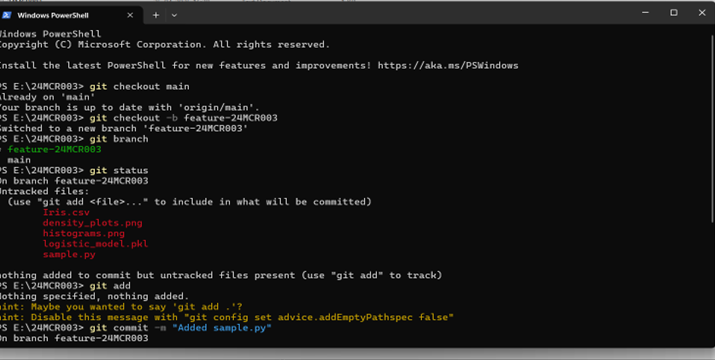
- Check the status of your changes Commands: git status View what files are staged, unstaged, or untracked
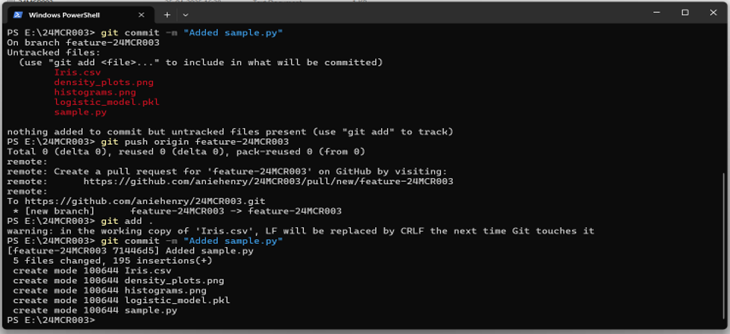
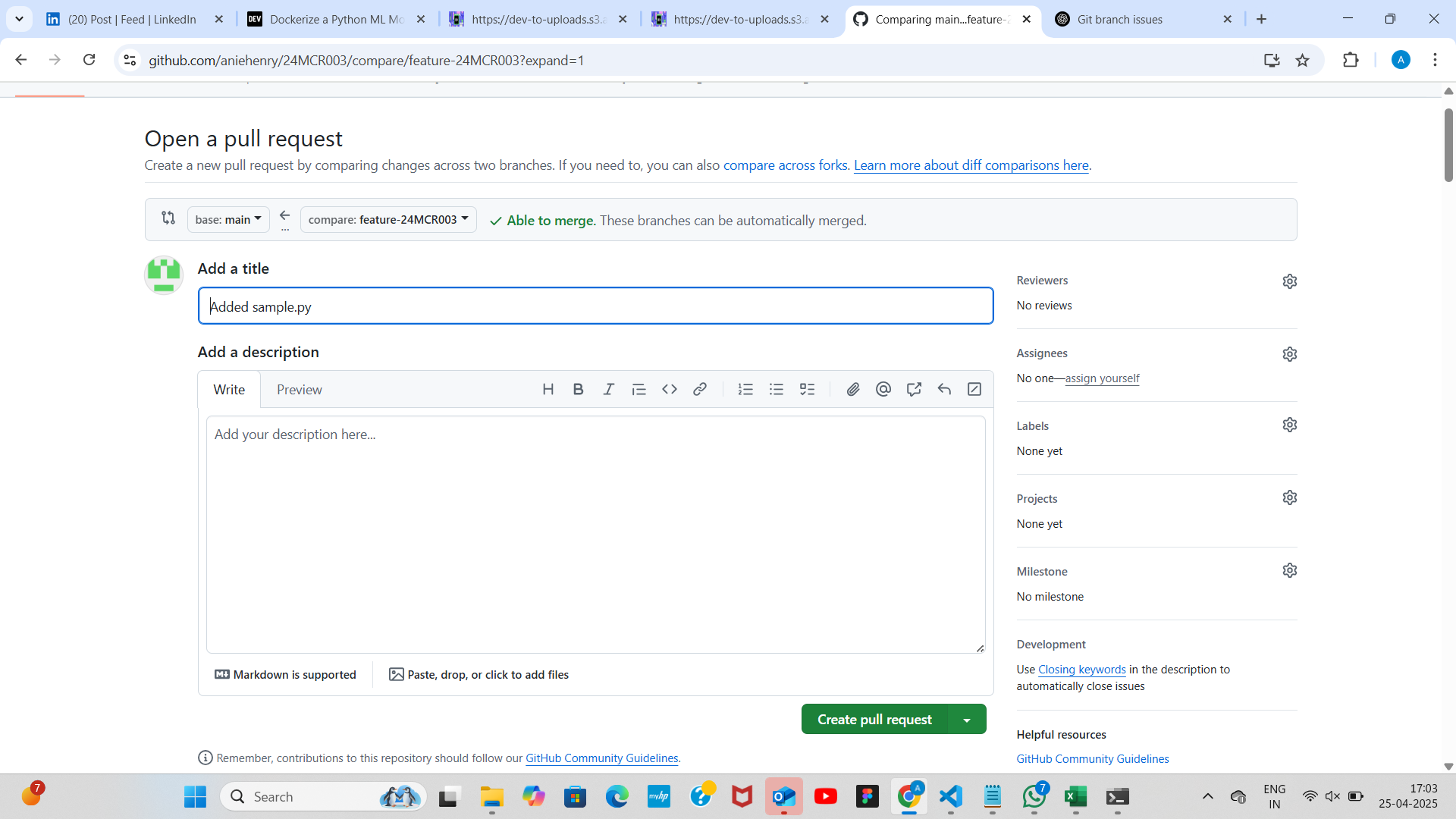
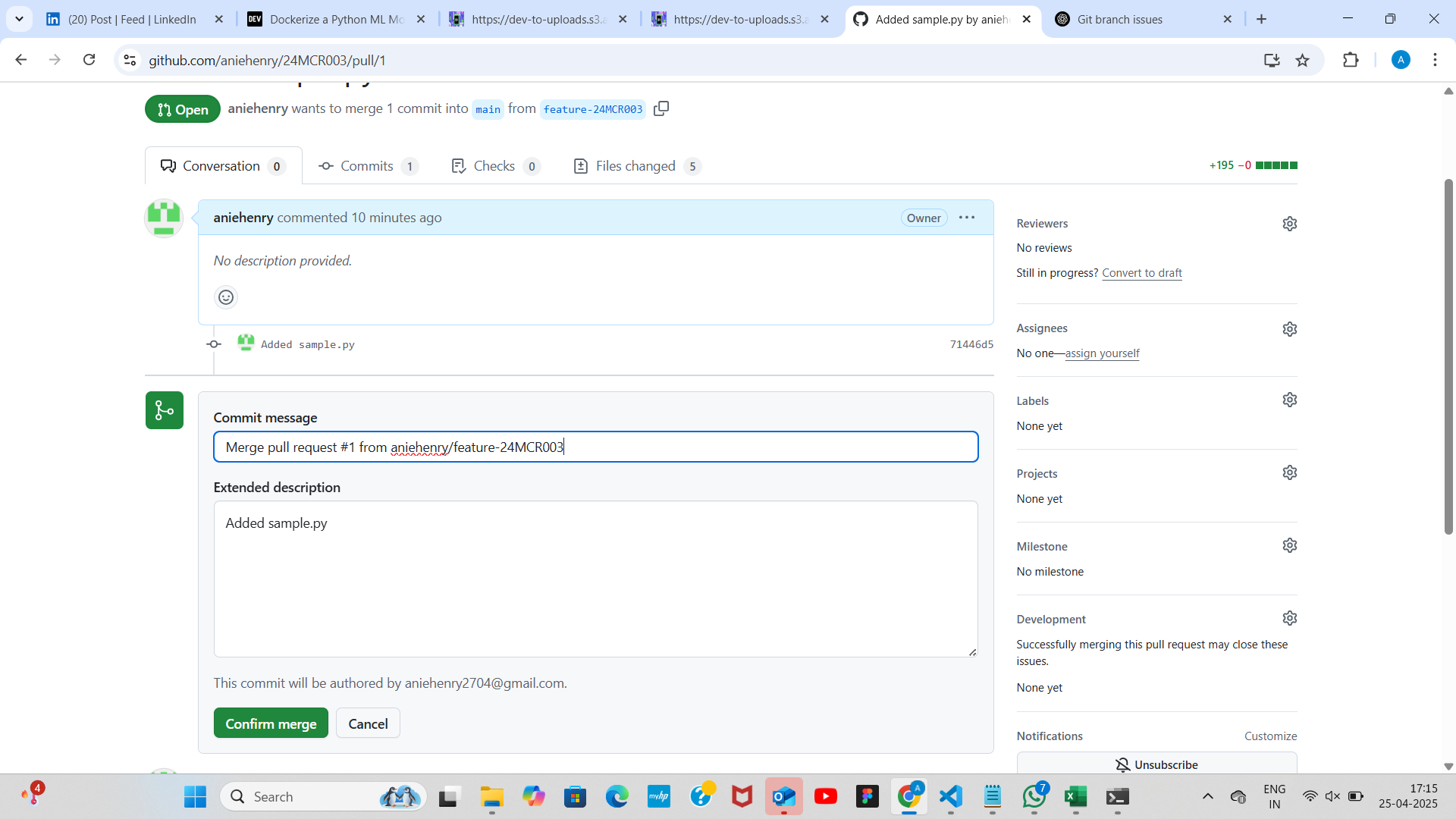
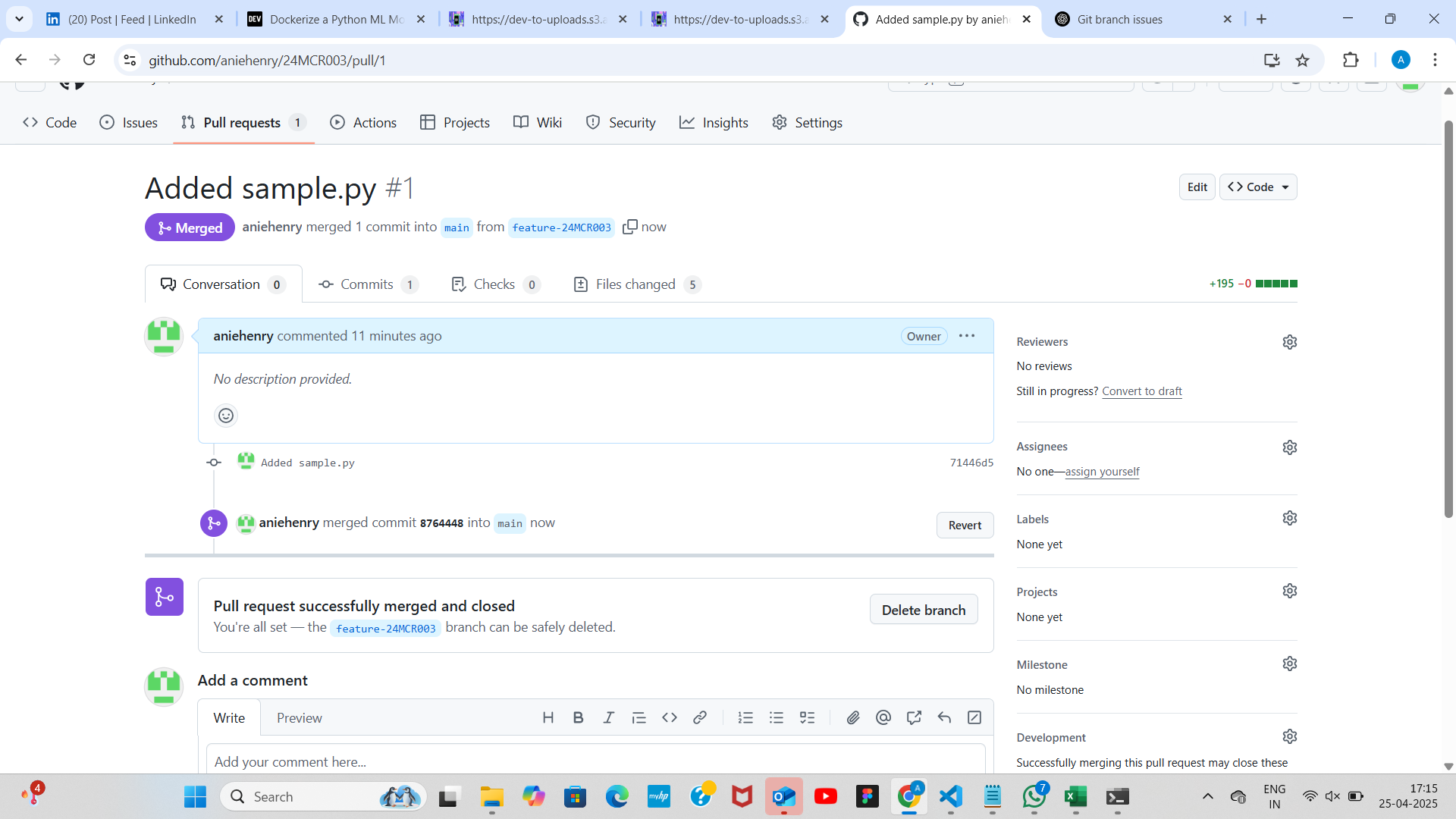
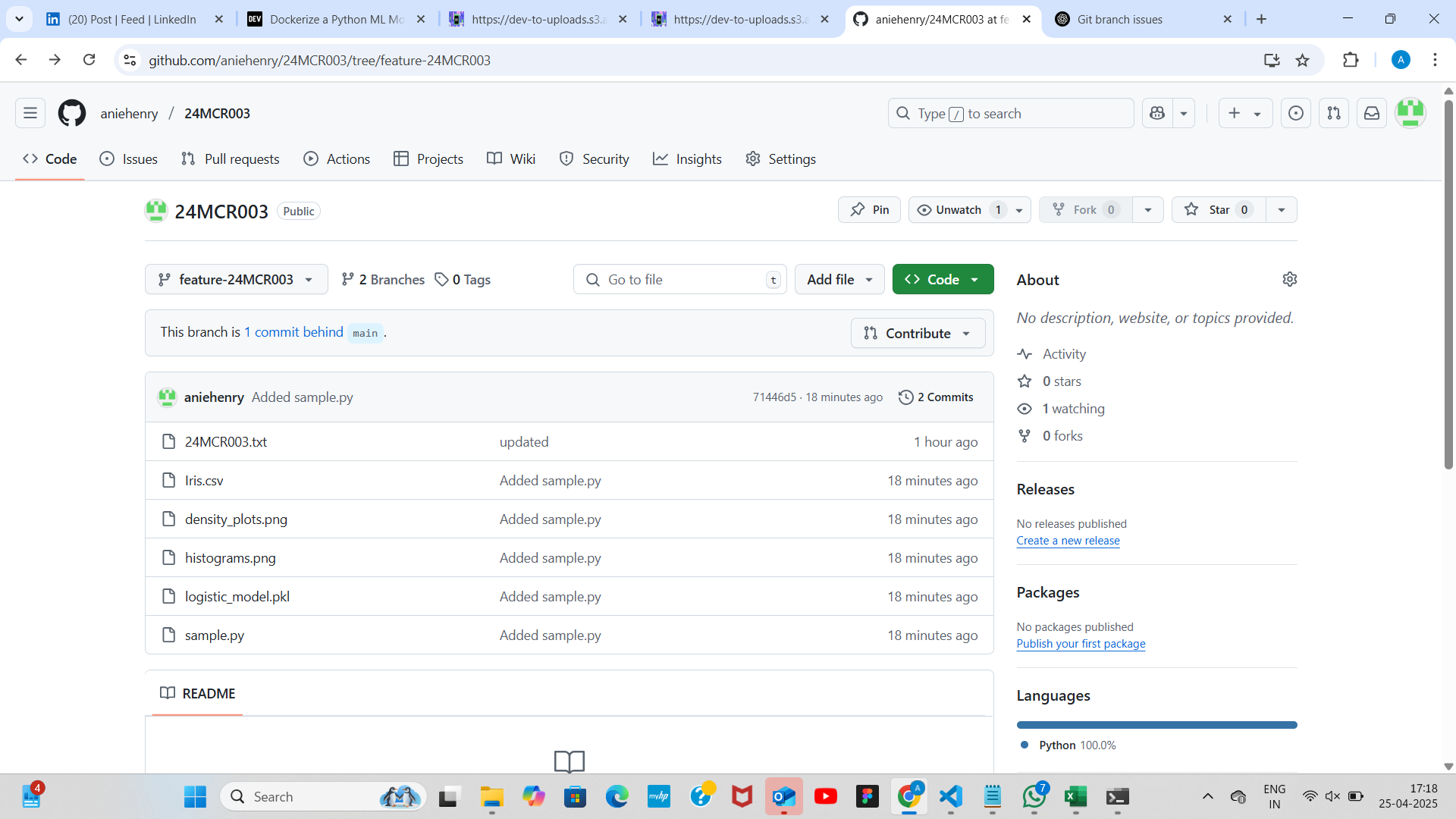
- Add all changes to staging area command:git add. Stage all modified or new files for committing 7.Commit your changes with a message. Command: git commit -m "Added hello_world.py" 8.Push your branch to Github.Command:git push origin feature-24mcr003 9.Create a Pull request on GitHub.Go to GitHub->pull request->New pull request->Select branch->Create pull request->Merge pull request->Confirm Merge
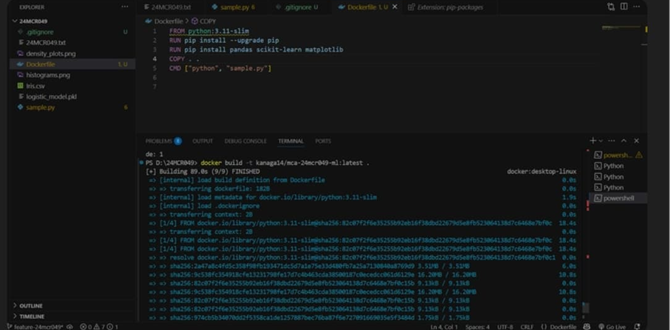
10.Build the docker image
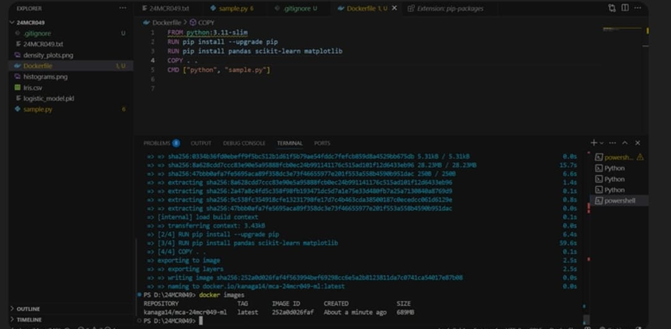
11.List all docker image
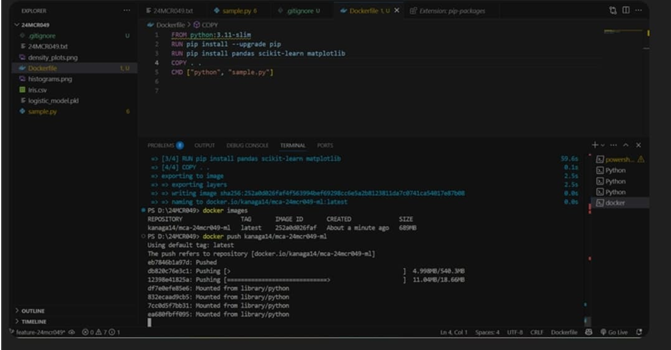
12.Push docker image to DockerHub
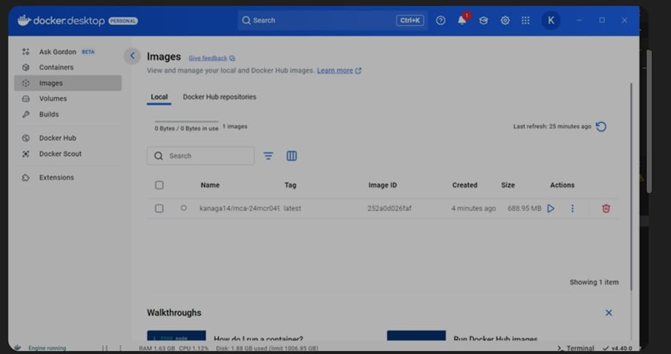
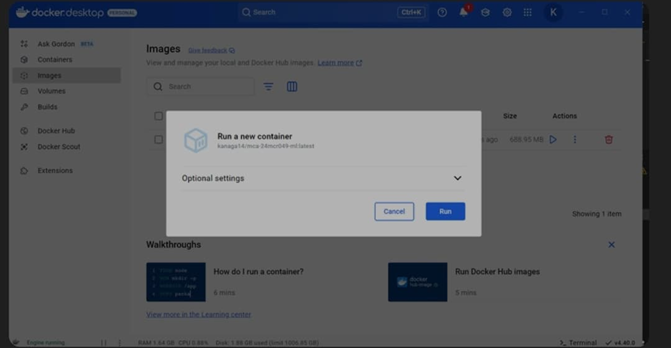
12.Open docker desktop
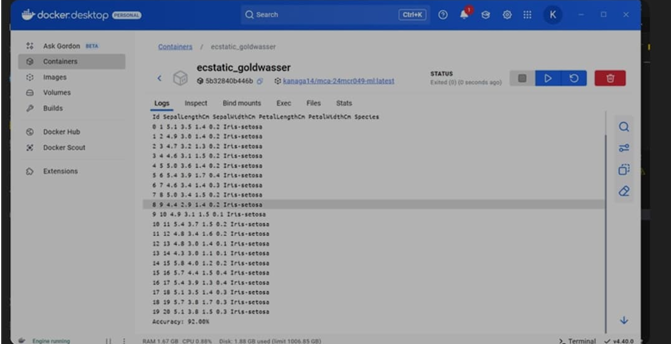
13.verify running container in docker desktop