HTML Tables – Complete Guide from Basic to Advanced1. HTML Table Basics
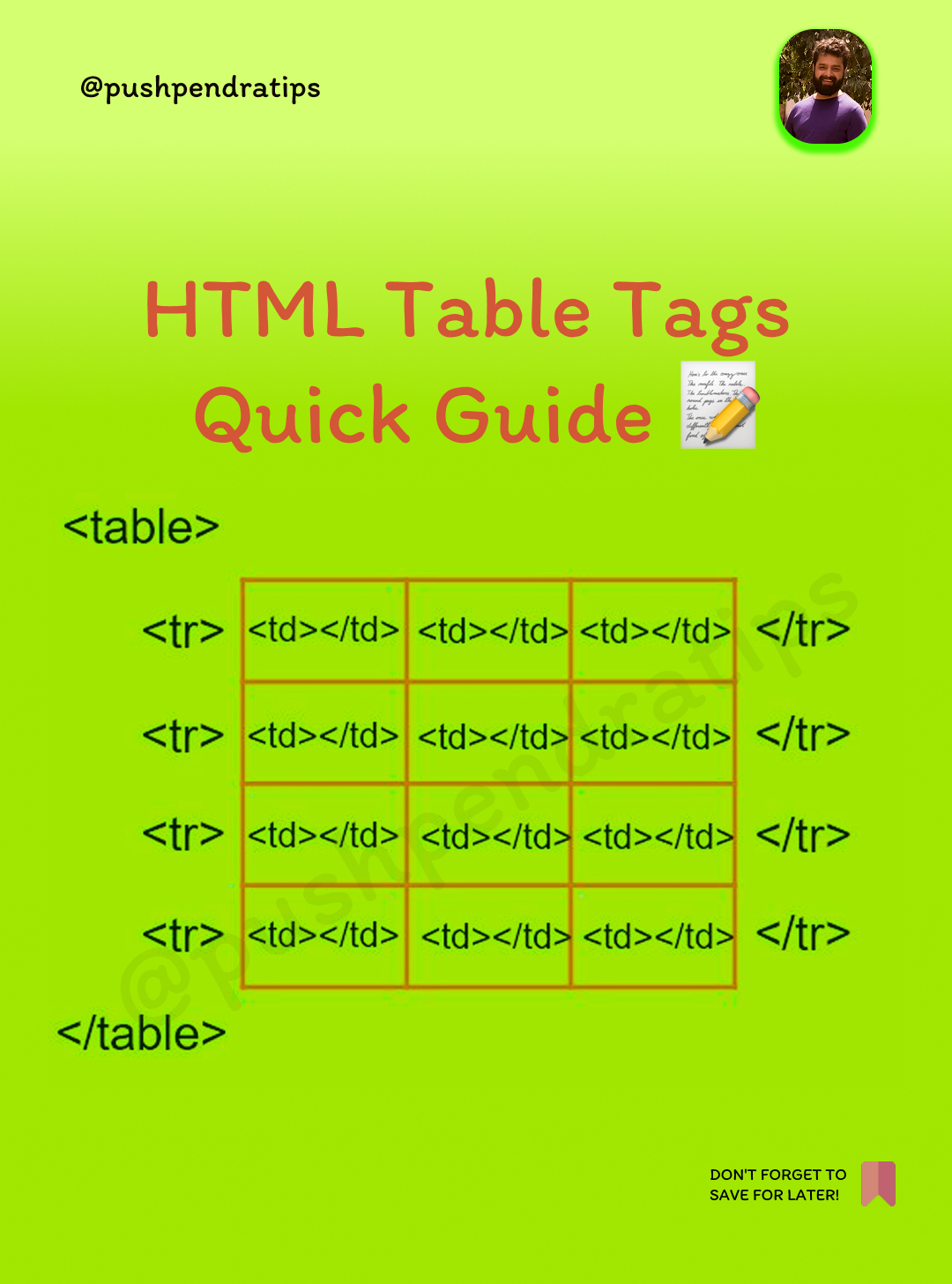
An HTML table is created using the tag. Rows are defined using
, and columns (cells) are created using (data cells) or (header cells).
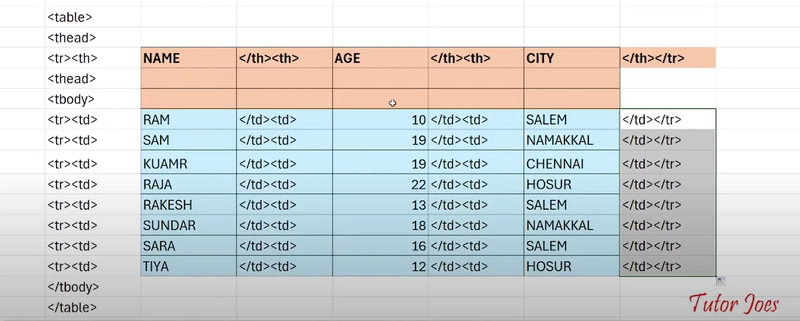
Example:
Name
Age
John
25Output:Name Age
John 25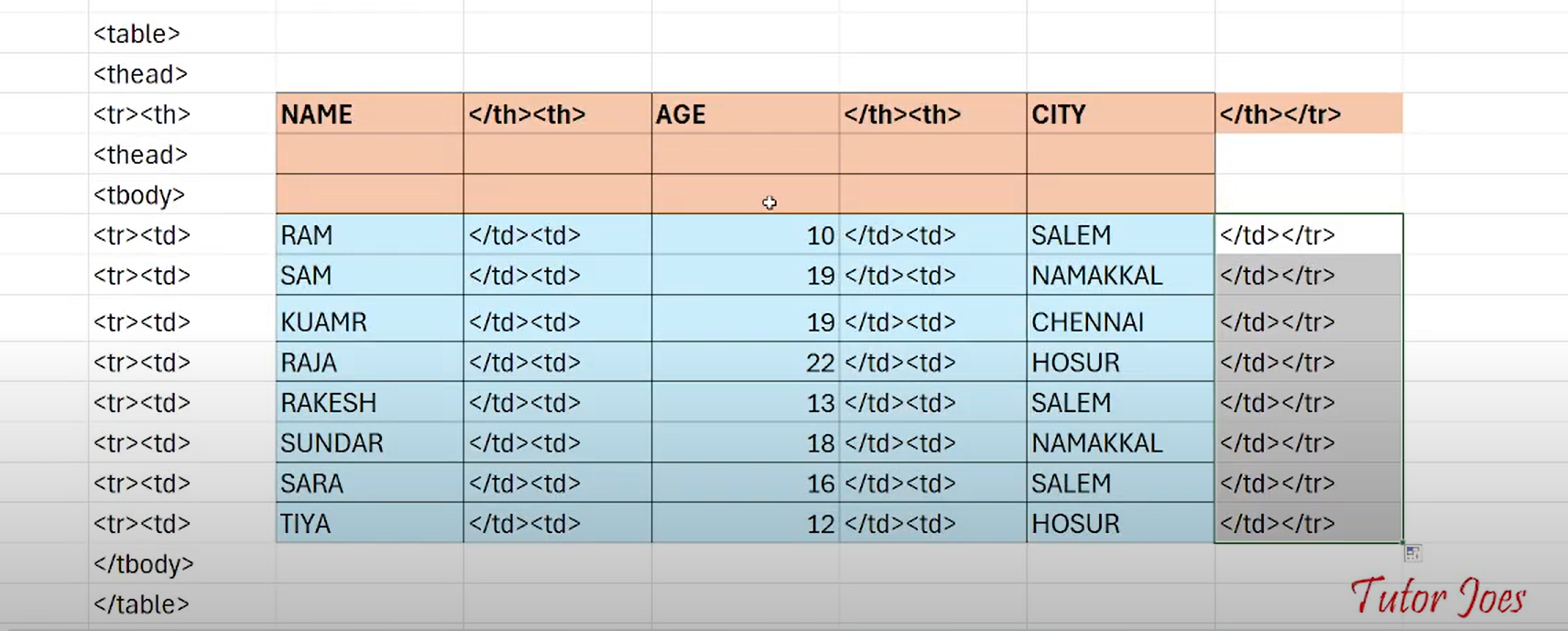
2. Table BordersBy default, tables do not have borders. Use the border attribute or CSS to add a border.
Example:Name
Age
John
25
CSS Method (Recommended)
table, th, td {
border: 1px solid black;
}3. Table SizesThe size of a table can be controlled using width and height.
Example:
Name
Age4. Table HeadersThe tag is used for table headers. It makes text bold and center-aligned by default.
Example:
Product
Price
Apple
$15. Padding & Spacingpadding: Space inside a cell.
border-spacing: Space between cells.
Example:table {
border-collapse: separate;
border-spacing: 10px;
}
th, td {
padding: 10px;
}6. Colspan & Rowspan.colspan: Merges multiple columns.
rowspan: Merges multiple rows.
Example (Colspan):
Full Name
John
Doe
Example (Rowspan):
John
25
Male
.7. Table StylingUse CSS to style tables.
Example:
table {
border-collapse: collapse;
width: 100%;
}
th, td {
border: 1px solid black;
padding: 8px;
text-align: left;
}
th {
background-color: #f2f2f2;
}8. Table ColgroupThe
Example:
Name
Age
John
25